Animation
Animated charts are awesome right? Sadly chart generated images are simple PNGs and our team at Image-Charts was quite sad with that status quo. But then we thought, why don't we generate animated gif? They will perfectly fit inside emails and IM bot and will give the final wow effect everyone is waiting for!
So we did it and we were like:

Syntax
There are two ways to use the chan parameter.
The first one is to specify an empty value. The resulting chart will be an animated gif with default duration and easing parameters:
&chan
The other way is to specify duration and easing:
&chan=<duration>,<easing>
duration_ms(optional) animation duration in milliseconds. The duration must be set between10ms and1500ms (1,5 seconds). Default value is1200ms (1,2 seconds).easing(optional) animation easing, it must be on of the following values (case-sensitive)easeInQuad,easeOutQuad,easeInOutQuad,easeInCubic,easeOutCubic,easeInOutCubic,easeInQuart,easeOutQuart,easeInOutQuart,easeInQuint,easeOutQuint,easeInOutQuint,easeInSine,easeOutSine,easeInOutSine,easeInExpo,easeOutExpo,easeInOutExpo,easeInCirc,easeOutCirc,easeInOutCirc,easeInElastic,easeOutElastic,easeInOutElastic,easeInBack,easeOutBack,easeInOutBack,easeInBounce,easeOutBounce,easeInOutBounce.
Examples
If you missed the animation, copy the image URL, paste it into another tab and then hit reload any time you want to replay the gif animation.
Let's start with a simple chart that we animate just by adding chan to the URL:

/chart?cht=bvg&...&chan
The animation seems a little too slow, so let's specify a duration to 1,2 second (1200ms):
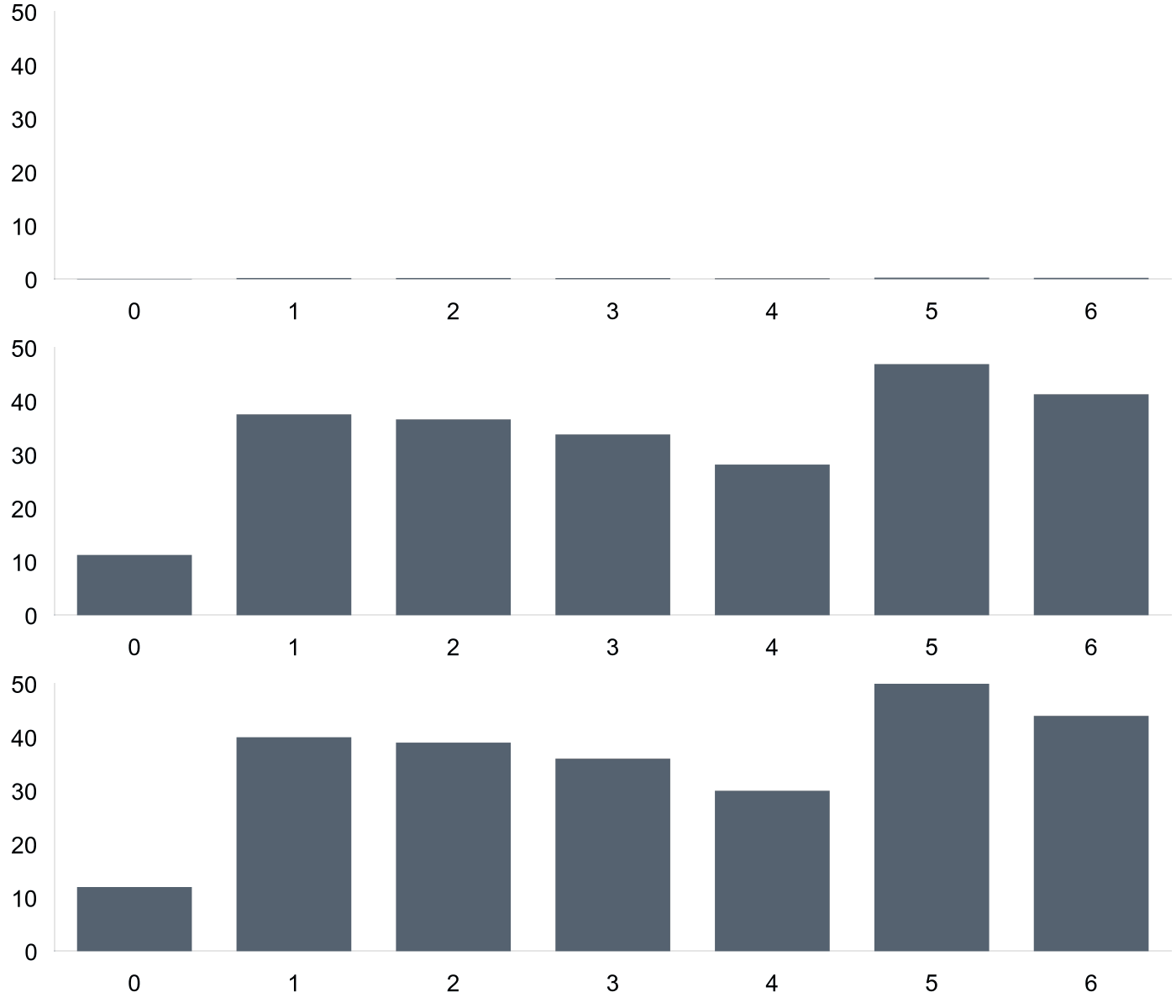
/chart?cht=bvg&...&chan=1200
That's better, now let's change the easing to easeOutBack:

/chart?cht=bvg&...&chan=1200,easeOutBack
Perfect!